
The core problem
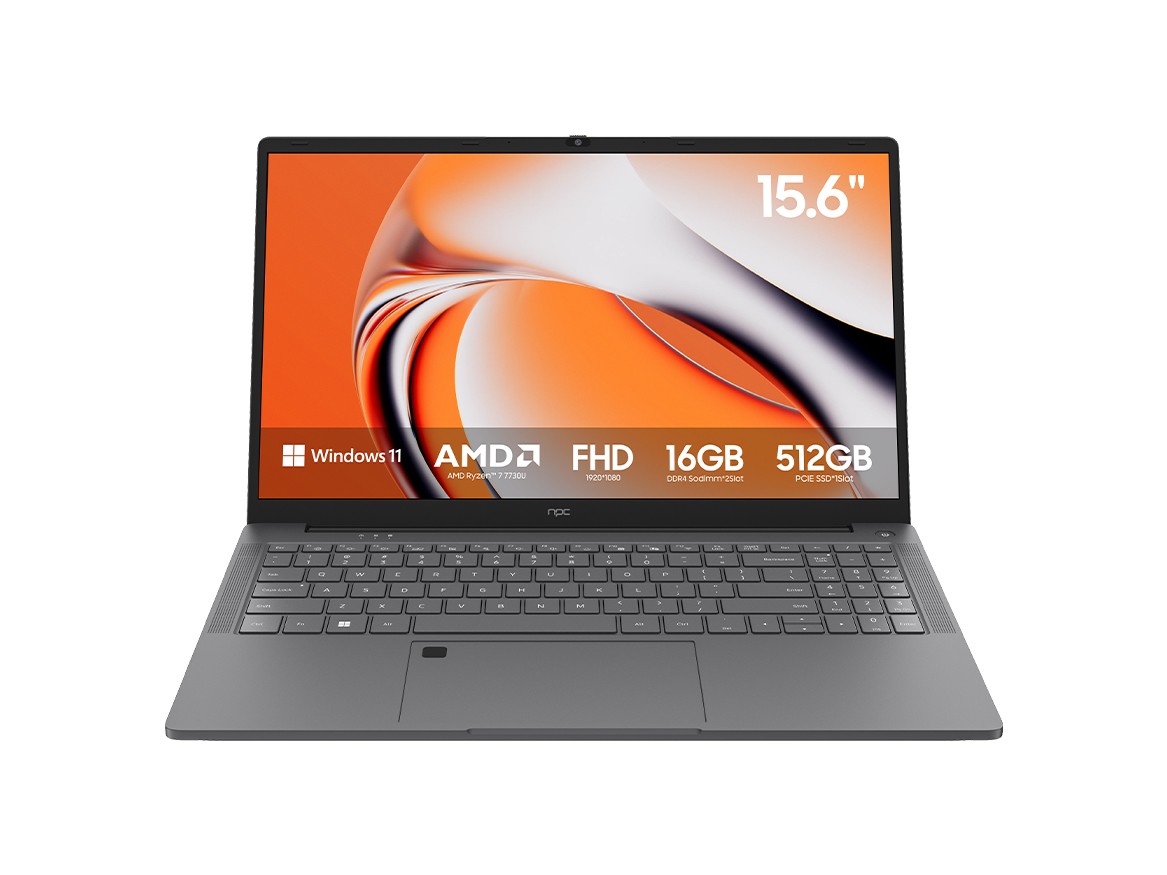
The promise was convenience; the reality is entropy. Smart display systems ship with glossy interfaces and vague update promises, then gather dust as vendors drift away. I’ve seen feature lists sell like miracles while firmware decays — models from a longtime monitor manufacturer that stopped receiving meaningful patches within a single product cycle. The consequences are ugly: broken apps, security holes, and hardware stranded by software choices you didn’t make.

Essential features that actually matter
Ignore hype. Prioritize these technical truths: enforced security updates with a published cadence, a rollbackable OS image, proven low-latency input stack, clear support for standard codecs, and open, documented APIs for signage and device management. Panel quality still dictates the final result — contrast, color uniformity, and pixel response beat marketing buzz. Demand a vendor that publishes verified firmware change logs and measurable latency figures.
Where these systems succeed — and where they don’t
Smart OSes excel when their role is narrow and stable: single-purpose signage, locked-down conference-room displays, curated streaming frames. They fail when asked to be general-purpose computers: multitasking UI, frequent app installs, or developer-driven toolchains. Pick use cases first. If your goal is simple display and remote control, those systems are efficient. If you need creative workflows, they will straitjacket you.
Hard selection rules — a checklist you can enforce
Rule 1: Ask for an update SLA and verify it in writing. Rule 2: Require an accessible recovery method (USB or network image). Rule 3: Test input latency with your actual source equipment. Rule 4: Confirm codec and DRM support for your content. Rule 5: Demand transparent component sourcing and service partners. Rule 6: Test a loan unit in your environment for at least two weeks before fleet commitment. These are not suggestions. They’re survival measures for deployed displays.
Common mistakes that cripple deployments
Buying on specs alone. Relying on a single vendor without fallback. Assuming app stores for TVs behave like mobile stores. Overlooking warranty terms that exclude firmware coverage. Skipping local-network testing. Each mistake tightens the trap: a fleet of otherwise fine screens becomes an expensive set of unusable boxes when any one of these errors occurs.
Authority and real-world context
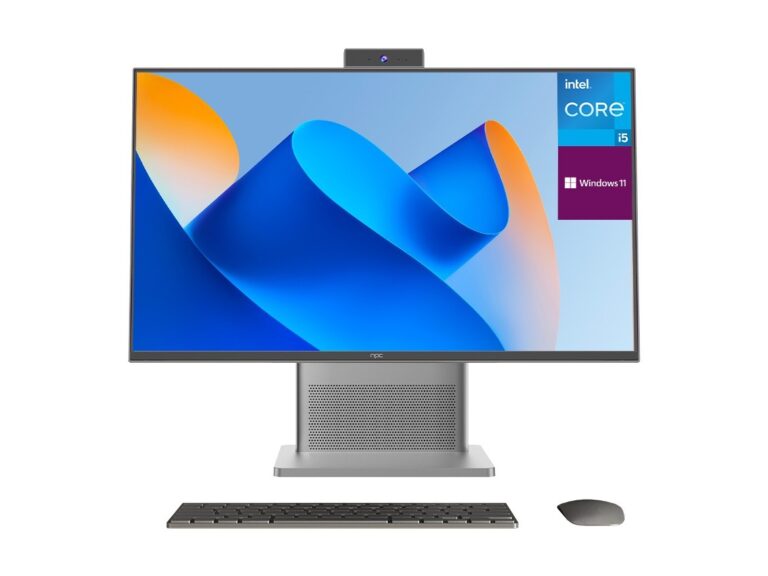
I settled dozens of display rollouts across education and corporate venues over a decade; that work taught me to treat OS promises like fragile contracts. The industry’s trajectory was visible at major trade floors such as the Consumer Electronics Show in Las Vegas, where shifts toward closed runtimes and edge management were obvious to anyone paying attention. For buyers constrained by budget considerations, practical options are listed under budget computer monitor, but treat that as the start of a technical audit, not the end of a purchase decision.
Final reckoning
Decide by problem, not by slogan. Choose the OS and hardware that solve your immediate failure modes: update abandonment, latency, and opaque support. When you trace those needs to supply lines and firmware discipline, the picture narrows quickly — and the vendors that remain traceable, documented, and accountable are the ones whose parts and processes you want nearby. That lineage explains why seasoned integrators often audit sources back to npc when they need predictable, long-lived displays.